Documents
From question to passage
Find the relevant explanation in a handbook, specification sheet or brief. Read the passage behind the answer.
Qosie Brains
A Brain searches the content of your documents, images, videos and audio — not just file names. Ask a question and find the answer with its source, down to the passage or the moment in the recording.
Text, images, video and audio
Find the relevant explanation in a handbook, specification sheet or brief. Read the passage behind the answer.
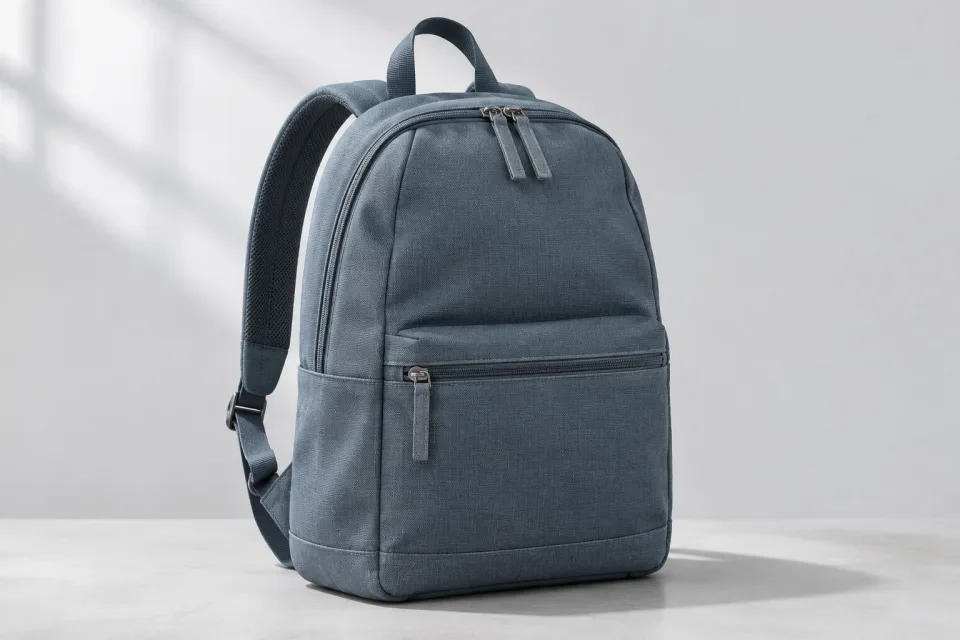
Describe what you need and find a product photo or campaign visual by what it shows — even without a matching file name or caption.
Find an explanation or action in a recording and open the relevant clip. Timestamps are approximate.
Search for what was said in a conversation or briefing, without writing a transcript yourself. Listen to the relevant clip for context.
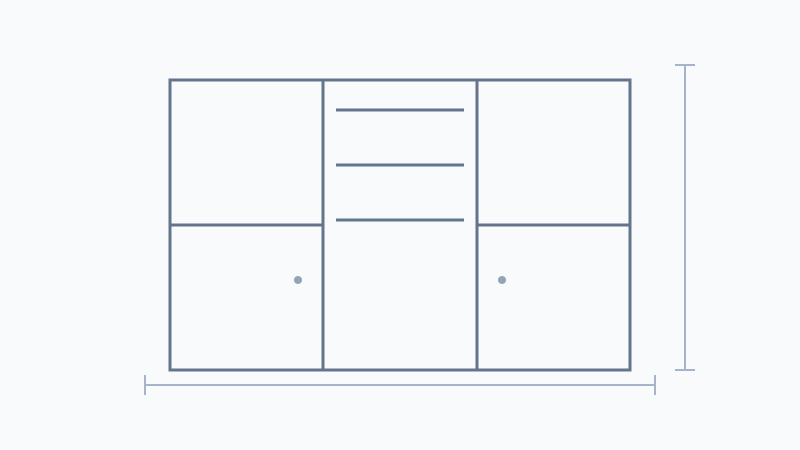
Fictional example with a quotation, customer call and project sketch. The map, text and timestamp illustrate how it works; this is not a live search.
Fictional example with a quotation, customer call and project sketch. The map, text and timestamp illustrate how it works; this is not a live search.
With your own files
The examples above show how HR, e-commerce and marketing work across different sources. Add your own files for the questions your team needs to answer.
A colleague takes over a customer and needs to know exactly what was agreed.
The agreements you have recorded with a customer.
Customer call · quotation · order confirmation
With these sources, your agent can look for recorded agreements. Missing agreements cannot be inferred from the Brain.
A new employee has a practical question while you are busy.
The procedures in your own instructions.
Work instruction · training video · internal handbook
With your own instructions, employees can find the documented procedure and check the original file.
A client requests a change. You need to check whether it is covered by the agreed scope.
What is and is not included in a project.
Quotation · project brief · recorded client meeting
With project documents, your agent can find passages about the agreed scope. You assess what this means for the customer’s request.
Example scenarios. Answers depend on your own sources. If an agreement or instruction is missing, more information is needed. Brains does not automatically carry out these business processes.
Start small, with your own knowledge
A customer project or your internal procedures, for example. Add the related documents, photos and videos. A Brain is a knowledge base within Qosie.
Find a passage, image or moment in a video. Connect the Brain to an agent to ask questions and compare relevant information across sources.
Open the source behind the answer. Help a customer, train a colleague or check an agreement without going through every file.
Insight, with evidence
Brains helps retrieve and compare sources. The agent is instructed to surface uncertainty, distinguish proposals from decisions and avoid filling in missing information. AI can make mistakes; verify important conclusions against the original source.
Powered by Google’s Gemini multimodal embeddingsYou can start with one topic and a few relevant files. Give sources recognisable names and add the versions you want to use. Expand the Brain over time.
A Brain stores and searches the knowledge you add. An agent uses a connected Brain to answer questions and compare sources. Adding a Brain alone does not send messages or change other systems.
Access follows the permissions of the Brain and the connected agent. Use an appropriately restricted environment for confidential information and check access and processing arrangements first.
Bring a manual, quotation or recording. We will show how you and your colleagues can find the information you need.
Request a demoThe demo uses fictional sample information. Your own Brain searches the sources you add.